mindworkstudios

Recording

microphone

How Can You Record Professional Vocals at Home?

Recording vocals at home has become easier than ever. With affordable equipment and modern recording software, artists can create professional-quality recordings without booking an expensive studio. Solution To record professional vocals at home: Use a quality microphone Record in a quiet room Use a pop filter Position the microphone correctly Maintain proper recording levels Edit and process vocals carefully Following these steps can significantly improve the quality of your vocal recordings.  

How Can You Record Professional Vocals at Home? Read More »

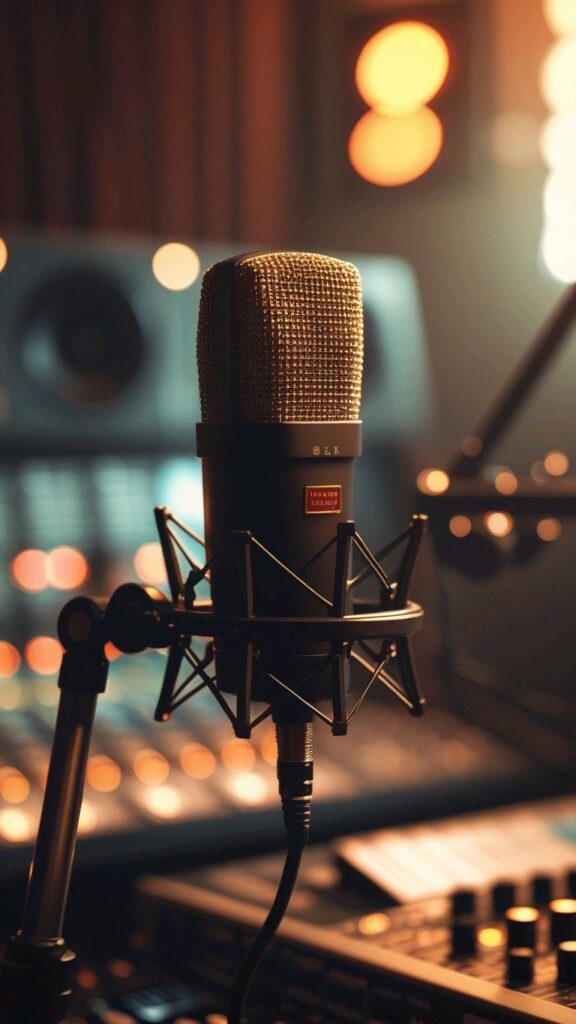
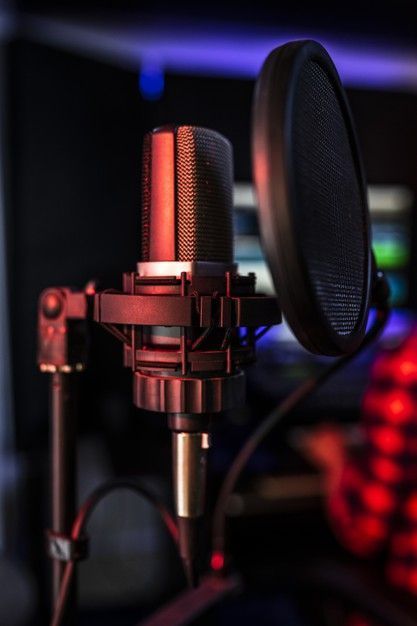
Mindwork School of Music professional studio microphone setup for vocal recording, music production & sound engineering

Recording in a Non-Treated Room: How to Get Professional Audio at Home

Home > Blog > Recording in a Non-Treated Room How Can You Record Professional Audio in a Non-Treated Room? How Can You Record Professional Audio in a Non-Treated Room? Many beginner music producers and sound engineers struggle with poor room acoustics. Solutions You can improve recordings in a non-treated room by: Using proper microphone placement Reducing room reflections Recording close to the microphone Using soft materials like curtains and carpets Controlling background noise Even without expensive acoustic panels, you can still achieve clean and professional recordings at home. Why Does Room Acoustics Matter in Recording? A room affects the way sound behaves. When recording in an untreated room, sound waves bounce off hard surfaces like: Walls Windows Tiles Ceilings This creates problems such as: Echo Reverb buildup Muddy recordings Harsh frequencies Good room acoustics help recordings sound clearer and more professional. What Is a Non-Treated Room? A non-treated room is a space without proper acoustic treatment. Examples include: Bedrooms Living rooms Small apartments Office spaces These spaces are not designed for professional audio recording. However, with the right techniques, they can still work for music production and voice recording. Common Problems When Recording in a Non-Treated Room Understanding the problems helps you fix them more effectively. 1. Room Echo Hard surfaces reflect sound back into the microphone. This creates unwanted room ambience. 2. Standing Waves Low frequencies build up in corners and small spaces. This can make recordings sound boomy or uneven. 3. Background Noise Common unwanted noises include: Fan noise Traffic sounds Air conditioners Keyboard clicks These noises reduce recording quality. Best Tips for Recording in a Non-Treated Room 1. Record Close to the Microphone Recording closer to the microphone reduces room reflections. Benefits Cleaner vocal recordings Less room ambience Better clarity Keep a consistent distance from the microphone while recording. 2. Use Dynamic Microphones Dynamic microphones capture less room noise compared to condenser microphones. Good Microphone Choices Shure SM58 Shure SM7B Electro-Voice RE20 These microphones are commonly used in untreated spaces. 3. Reduce Reflections Using Soft Materials You do not always need expensive acoustic foam. Soft materials can help absorb reflections. Budget-Friendly Solutions Thick curtains Carpets and rugs Pillows Blankets Mattresses These materials reduce echo and improve recording quality. 4. Avoid Recording Near Walls Recording too close to walls increases reflections. Best Position Stand away from corners Leave space behind the microphone Face soft surfaces if possible This helps create a cleaner sound. 5. Turn Off Unnecessary Noise Sources Background noise can ruin a recording. Before recording: Turn off fans Silence mobile phones Close windows Turn off air conditioners if possible A quieter environment improves audio clarity. 6. Use Proper Microphone Placement Microphone positioning is extremely important. Basic Vocal Recording Setup Place the microphone slightly above mouth level Use a pop filter Maintain a stable distance Avoid pointing the microphone directly at reflective surfaces Good placement reduces unwanted room sound. 7. Record During Quiet Hours Timing matters in home recording. The best times are usually: Early morning Late night These times often have less environmental noise. How to Improve Room Acoustics on a Budget Many beginner producers cannot afford professional acoustic treatment immediately. The good news is that simple adjustments can still improve recordings. Affordable Acoustic Improvement Ideas DIY Vocal Booth You can create a temporary recording area using: Blankets Foam mattress toppers Clothing racks This helps absorb reflections around the microphone. Use Furniture to Break Reflections Furniture helps diffuse sound naturally. Helpful items include: Bookshelves Sofas Curtains Cushions An empty room creates more echo than a furnished room. Best Room for Home Recording Not every room sounds the same. Better Rooms for Recording Rooms with carpets Smaller furnished spaces Rooms with curtains and soft furniture Rooms to Avoid Bathrooms Kitchens Empty halls These spaces usually create excessive reflections. Essential Equipment for Recording at Home A simple setup is enough to start recording professionally. Basic Home Studio Equipment Audio interface Studio headphones Microphone Pop filter DAW software Popular DAWs include: Ableton Live Logic Pro Pro Tools Even budget setups can produce excellent recordings when used correctly. Why Acoustic Treatment Matters in Music Production Acoustic treatment helps producers hear sound accurately. This improves: Mixing decisions Vocal recordings Stereo imaging Frequency balance Professional studios invest heavily in room acoustics because room sound affects every recording. At Mindwork School of Music, students learn practical recording techniques, sound engineering fundamentals, and modern studio workflow for real-world audio production. Tips for Better Vocal Recording in an Untreated Room Use headphones while recording✔ Record close to the microphone✔ Reduce room reflections✔ Use a pop filter✔ Turn off background noise✔ Test multiple recording positions Small improvements can make a big difference in recording quality.   Frequently Asked Questions (FAQs) Can I record professional vocals in a non-treated room? Yes. Proper microphone placement, reduced reflections, and background noise control can significantly improve recordings. Which microphone is best for untreated rooms? Dynamic microphones such as the Shure SM58 or Shure SM7B work well because they capture less room ambience. How do I reduce echo in my room naturally? You can use: Curtains Carpets Blankets Sofas Pillows These materials help absorb reflections. Do I need acoustic foam to start recording? No. Acoustic foam helps, but beginners can improve recordings using budget-friendly DIY solutions. Why does my recording sound muddy? Muddy recordings are often caused by: Poor room acoustics Excessive low frequencies Incorrect microphone placement Improving room setup and EQ can help solve this issue.

Recording in a Non-Treated Room: How to Get Professional Audio at Home Read More »

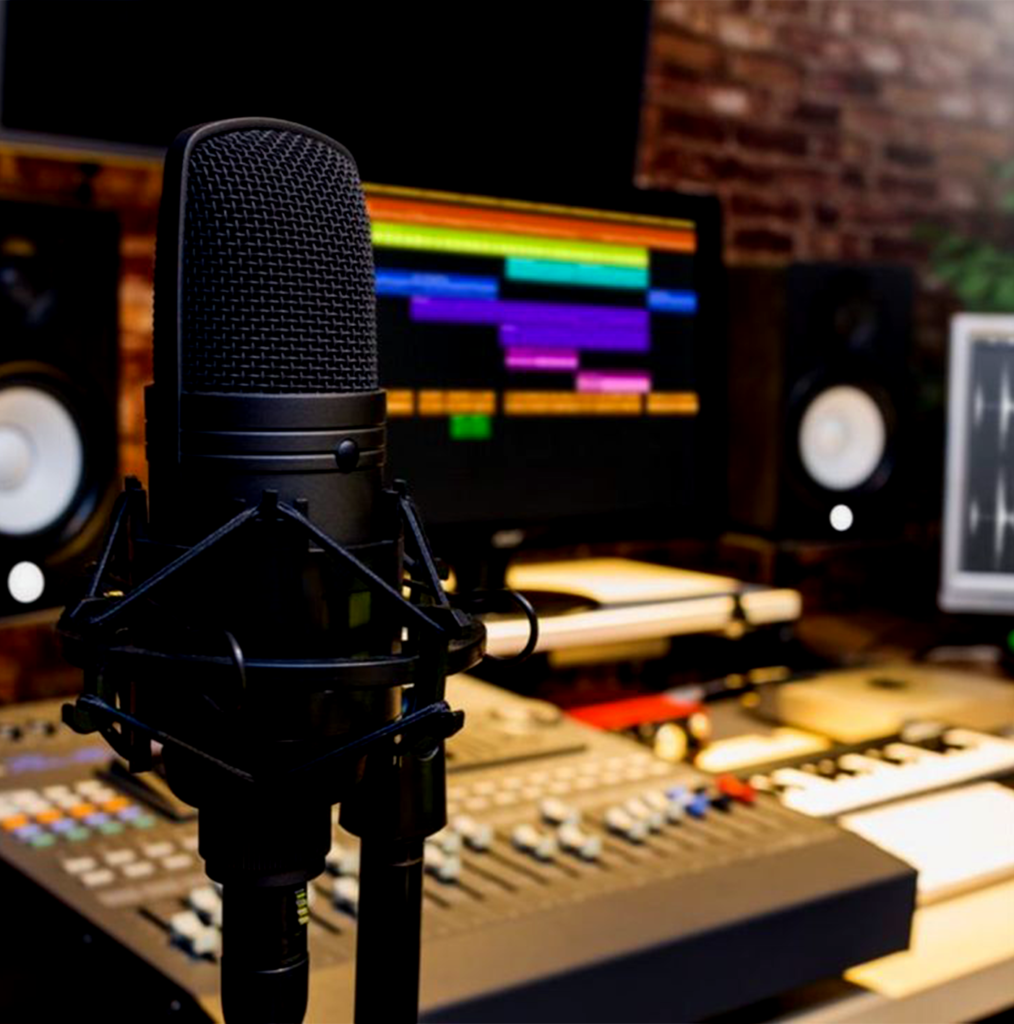
Studio microphone with DAW screen and mixing console for music production at Mindwork School of Music setup

Recording in DAW – A Beginner’s Guide to Creating Professional Sound at Home

Home > Blog > Recording in DAW Recording in DAW – A Beginner’s Guide to Creating Professional Sound at Home Recording in DAW (Digital Audio Workstation) has completely changed how music is created today. Whether you are a beginner or someone looking to refine your skills, understanding how to record in a DAW is the foundation of modern music production. From setting up your recording environment to capturing clean audio and editing it professionally, this guide will walk you through everything in simple, easy-to-understand language. If you want to build a career in music production or improve your home studio workflow, learning DAW recording techniques is a must. What is a DAW and Why is it Important? A DAW, or Digital Audio Workstation, is software used to record, edit, mix, and produce audio. Think of it as your digital music studio where everything happens in one place. Instead of using large physical equipment, you can now create high-quality music on your computer.Recording in DAW is important because it gives you full control over your sound. You can record vocals, instruments, podcasts, or even sound effects with precision. It also allows you to edit mistakes, enhance audio quality, and experiment creatively without needing expensive studio setups.For beginners, it may feel overwhelming at first, but once you understand the basics, it becomes a powerful tool that helps you turn ideas into professional music. Setting Up Your DAW for Recording Before you start recording in DAW, you need to set up your workspace properly. This step is crucial because a good setup ensures clean and clear recordings. First, you need a computer and a DAW software. Popular options include beginner-friendly and advanced platforms, but the concept remains the same across all of them. Next, you will need an audio interface, which connects your microphone or instrument to your computer. This device helps capture high-quality sound. A good microphone is also essential, especially for vocals. Along with that, use headphones or studio monitors to hear your recordings clearly. Once everything is connected, you need to configure your DAW settings, such as sample rate and buffer size, to avoid lag or distortion. Taking time to set up properly will save you from many problems later during recording and editing. Recording in DAW is important because it gives you full control over your sound. You can record vocals, instruments, podcasts, or even sound effects with precision. It also allows you to edit mistakes, enhance audio quality, and experiment creatively without needing expensive studio setups.For beginners, it may feel overwhelming at first, but once you understand the basics, it becomes a powerful tool that helps you turn ideas into professional music. Understanding Tracks and Recording Basics When recording in DAW, everything is organized into tracks. Each track is like a separate layer where you record different sounds. For example, vocals go on one track, guitar on another, and drums on separate tracks. To start recording, you need to create a new track and arm it for recording. This means the track is ready to capture audio. Then you select the correct input source, such as your microphone or instrument. Once you press record, the DAW captures your sound in real time. You can stop, re-record, or layer multiple takes until you get the perfect result. This flexibility is one of the biggest advantages of recording in DAW. Tips for Clean and Professional Recording Getting a clean recording is not just about pressing the record button. It involves a few important practices that can make a huge difference in your final output. Make sure you record in a quiet environment to avoid background noise. Even small sounds like fans or traffic can affect your recording quality. Position your microphone correctly to capture clear sound without distortion. Always check your input levels before recording. If the level is too high, it will cause clipping, which ruins the audio. If it is too low, your recording may sound weak. Aim for a balanced level that is neither too loud nor too soft. Take multiple takes when recording. Even professionals do this because it gives you options to choose the best performance during editing. Editing Your Recording in DAW After recording in DAW, the next step is editing. This is where you clean up your audio and make it sound polished. Editing includes cutting unwanted parts, removing noise, and aligning your recordings properly. Most DAWs allow you to zoom into the waveform and make precise adjustments. You can also use tools like fade-in and fade-out to smooth the beginning and end of your recordings. This helps avoid sudden clicks or harsh transitions. Editing is where your recording starts to sound professional. Even a simple recording can sound amazing with proper editing techniques. Adding Effects to Enhance Your Sound Once your audio is clean, you can add effects to improve its quality. Effects are tools that shape and enhance your sound. Equalization helps adjust the balance of different frequencies, making your audio clearer. Compression controls the dynamics, ensuring that loud and soft parts are balanced. Reverb adds space and depth, making your recording feel more natural. While recording in DAW, it is important not to overuse effects. Beginners often add too many effects, which can make the audio sound unnatural. Start simple and gradually learn how each effect works. Common Mistakes Beginners Should Avoid When starting with recording in DAW, it is easy to make mistakes. One common mistake is recording without proper setup, which leads to poor sound quality. Another mistake is ignoring gain levels. Recording too loud or too soft can create problems that are difficult to fix later. Many beginners also skip editing, thinking recording alone is enough, but editing is a crucial step. Overusing effects is another issue. It is better to keep your sound natural and clean rather than adding too many unnecessary enhancements. Learning from these mistakes will help you improve faster and achieve better results. Why Learning DAW Recording is a Valuable Skill Recording

Recording in DAW – A Beginner’s Guide to Creating Professional Sound at Home Read More »

Contact us directly?